
Sometimes you want cricket without another large app. You open a browser, pick a game, and start batting. That is enough. A cricket game online works well during a short break. It can run on phones, tablets, laptops, or desktops. No install sits between you and the first ball. No long update either. Browser cricket is usually lighter than a mobile simulator. Still, the basic fun stays familiar. You time a shot. You chase runs. You try again. Some games keep things very simple. Others add bowling, teams, tournaments, or quick multiplayer play. The best choice depends on your free time. Five minutes feels different from a full match.
What a Cricket Game Online Means
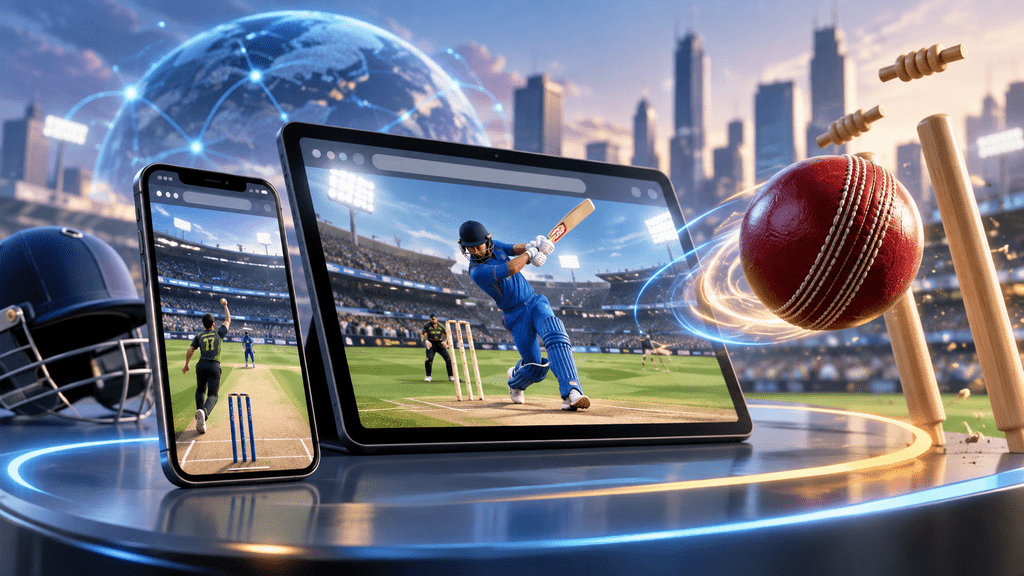
A cricket game online runs inside a web browser. You do not install a full mobile application first. The game loads through a supported website instead. Most current browser games work through modern web technology. Chrome, Edge, Safari, and Firefox commonly handle them. Controls can be very simple. One game may only need a tap. Another may include batting, bowling, and team selection. That difference matters.
A short arcade match feels fast and casual. Tournament play usually needs more attention and patience. The biggest appeal is convenience. You can test a game before installing anything. That helps when storage space is tight. It also works well on shared computers. School or office devices may block normal app installs. Browser play gives you another route… without filling the device.
Free Browser Cricket Games in 2026
Browser libraries change often. Some titles disappear, then new ones arrive. Several cricket options remain available across major browser platforms.
Cricket Smash 3D
Cricket Smash 3D appears on CrazyGames. It supports desktop, mobile, and tablet browsers. The game mixes batting with bowling mechanics. Players can also enter quick matches and tournaments. Short formats make it useful during smaller breaks. Longer formats give the session more room. The 3D presentation feels more modern than basic batting games. Still, controls remain simple enough for casual play.
T20 Cricket
T20 Cricket keeps the focus on timing and shot selection. It is available through GamePix. The game works across desktop, mobile, and tablet browsers. Its controls are easy to understand. You pick the shot and focus on timing. That makes the learning curve fairly light. It suits players who want cricket without many menus. Start the match, play, then leave.
World Cricket Champ
World Cricket Champ uses a light tournament setup. You can select national teams and play short contests. Batting and bowling stay fairly straightforward. The game also supports common browser devices. Its structure gives more purpose than a basic batting challenge. You still avoid the weight of a full simulator.
Azad Cricket
Azad Cricket uses a simpler 2D style. The game focuses on timed shots and boundary scoring. Team selection adds a little variety. It makes more sense on desktop browsers. The presentation is basic, but that is not always bad. Simple graphics can feel smoother on older hardware.
Cricket Game Collections
You do not need to stay with one title. CrazyGames keeps a cricket category with several browser games. GamePix also groups many cricket titles in one place. This makes switching easy. A cricket game online stays easy to test. One cricket game online may run poorly on your device. Another may load without trouble. You can move between them without another large download.
Quick Arcade Batting
Arcade games are built for speed. You usually tap, click, or swipe at the right moment. Good timing brings runs and boundaries. The rules stay simple. These games fit short sessions very well. They also place less pressure on the device. A cricket game online like this works well during breaks. You can finish quickly and close the tab.
Tournament and Team Play
Tournament games add a little more depth. They may include national teams, match targets, brackets, or progression. The experience feels more connected across several matches. Still, the setup stays lighter than many mobile simulators. This style sits comfortably between arcade play and full applications.
Real-Time Multiplayer
Multiplayer needs a stable connection. A live opponent also changes the pace. You cannot always pause and return later. Browser multiplayer can feel less predictable on weak connections. Large mobile games often build more features around competitive play. That difference matters for regular multiplayer users.
Free Play and Paid Features
Most browser cricket titles let you start without paying. Free access may still come with advertising. Ads can appear around the page or between sessions. Each website handles this differently. Some games also limit certain modes. A free cricket game online can still offer enough casual play. Longer sessions may feel better inside a full app.
Mobile games use similar methods. Free apps may include ads, upgrades, currencies, or optional purchases. The word “free” does not always mean unlimited. It usually means you can begin without buying the game.
Browser Cricket and Downloaded Apps
Both options serve different needs. Browser play is quick. Downloaded apps usually offer more depth.
| Feature | Browser Cricket | Downloaded Cricket App |
|---|---|---|
| Setup | Open and play. | Install first. |
| Storage | Light permanent use | Uses device storage |
| Updates | Handled by website | App updates may appear. |
| Offline play | Usually limited | Available in some games |
| Graphics | Usually lighter | Often more detailed |
| Saved progress | Varies | More common |
| Multiplayer | Depends on title | Common in larger games |
| Best use | Short sessions | Longer-term play |
A cricket game online makes sense for quick access. Downloaded apps make more sense for regular players. They can offer careers, commentary, deeper modes, and stronger progression. Still, they also need storage. That tradeoff is easy to understand.
When a Cricket App Makes More Sense
Some players want more than a short browser match. Saved careers matter. Offline access can matter too. Real Cricket 24 comes from Nautilus Mobile.
The official Nautilus Mobile website covers its cricket titles and support information. Real Cricket offers deeper match systems than casual browser games. World Cricket Championship also follows the full mobile-game route. These apps are designed for longer sessions and ongoing progress.
Cricket League takes another approach. Its Google Play listing focuses on quick multiplayer cricket. The matches are short, but the app keeps progression around them. Installed games often feel more complete. They can store progress more reliably. Graphics can also look richer. A browser session still has value. It lets you enjoy cricket without committing storage first.
APK Downloads and Basic Safety
APK files need a little more care. The game name alone is not enough. Check the developer before installing anything. Look at the version and update date too.
Android requirements also matter. Permissions deserve attention as well. A familiar title may appear on an unrelated website. The file may not come from the real developer. Official listings give you a useful reference point. That simple check can prevent unnecessary problems.
Playing on a Low-RAM Phone
Older phones can still handle browser cricket. The right game matters more than flashy graphics. A lightweight 2D game usually needs less memory. A detailed 3D title may push harder. Close unused browser tabs before playing. Background apps can also consume memory. A cricket game online should feel responsive, not frustrating. If one title keeps lagging, try a simpler one. That may work better than forcing a heavy game.
Downloaded games can have lighter versions too. Look for official lightweight editions where they exist.
Mobile Data Use
Browser games need data during normal online play. Usage will not be identical across every title. Graphics, ads, videos, and game files all affect consumption. The first session may use more data. Your browser needs to load fresh assets during that first visit. Later sessions may reuse some cached files. A cricket game online can use different amounts of mobile data. Players with limited data should monitor usage themselves. Play briefly, then check the phone’s data statistics. That gives a better estimate for your own device. It is more useful than a random number online.
Better Browser Performance
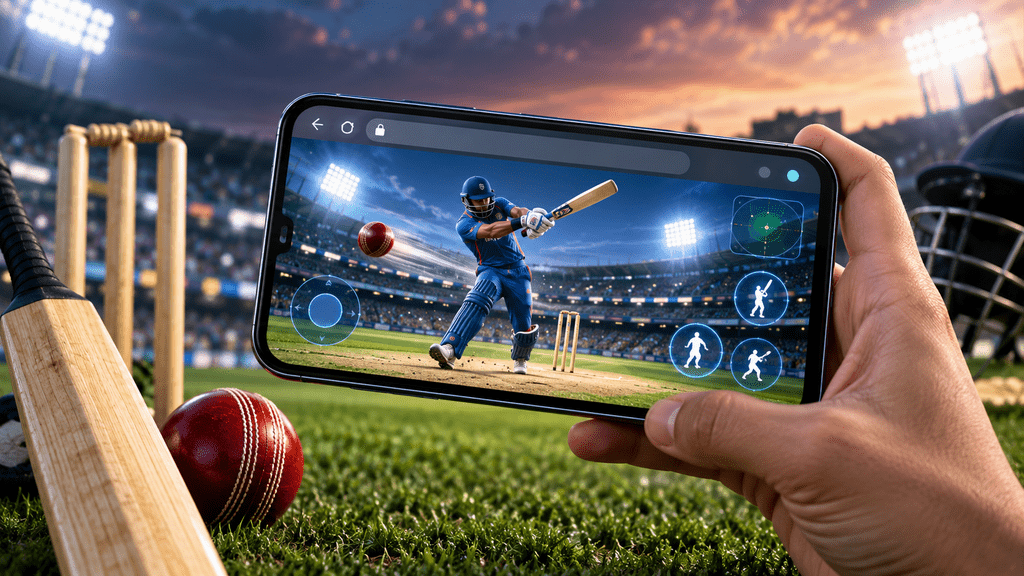
An updated browser can make a real difference. Old versions may struggle with graphics, sound, and touch controls. Chrome, Edge, Safari, Firefox, and Opera are common options. Keep other heavy tabs closed. Video sites can use plenty of memory. Social media pages can do the same. Browser editors may also slow things down. Give the cricket page enough time to load. A weak connection can leave the screen looking frozen. Landscape mode can help with some games. The layout often feels more natural when the field gets wider. Small changes can improve the session.
Safer Browser Game Websites
A cricket game online should load from a website you trust. Use well-known gaming websites when possible. Check the address before clicking around. A normal browser cricket game should not demand strange software. Be careful with pages asking for cleaners or special players. Random extensions deserve the same caution. The match should run inside the browser. Android downloads need another check. Compare the listed developer with the official app store information. The title can look familiar… the developer may not.
Frequently Asked Questions
Playing Without a Download
Yes, browser cricket can run without a full app installation. Platforms such as CrazyGames and GamePix provide playable cricket titles. You open the page and let the game load.
Free Browser Cricket Options
Cricket Smash 3D offers quick 3D matches. T20 Cricket keeps batting simple. World Cricket Champ adds light tournament play. Azad Cricket stays closer to simple 2D cricket.
Android Browser Support
Many browser cricket titles work on Android devices. A modern browser usually gives the best chance of smooth play. Some games remain desktop-only.
Check the platform details before spending time on one title
iPhone and iPad Support
Performance still depends on the individual game. The browser version can matter too. Many browser games can also work on Apple devices.
Saved Progress
Saved progress varies between browser games. Some may use browser storage. Others may require an account. Simple arcade games may save very little. Clearing browser data can remove locally stored progress.
Offline Browser Play
Most browser cricket needs an active internet connection. The website and game files usually load online. Some cached content may remain, but full offline support is uncommon.
Browser Game Safety
Popular platforms are generally easier to trust. Avoid unrelated software requests and suspicious browser extensions. Keep downloads separate from browser play.
APK Versus Browser Play
Apps work better for deeper progression and richer presentation. Browser cricket works better for quick access. A cricket game online also avoids another large installation.
Low-Storage Phones
Browser games can help when storage is limited. The browser still keeps some cached data. That is usually lighter than a large installed cricket title.
Wi-Fi and Mobile Data
Wi-Fi is not required in every case. Mobile data can run browser cricket too. Connection quality and data usage still depend on the game.
Final Thoughts
A cricket game online keeps things simple. Open the browser, choose a match, and play. That is the main appeal. You do not need another large app for every short session. Browser cricket fits casual play very well. Downloaded apps suit longer careers and deeper progression. Neither option needs to replace the other. Use the browser when speed matters. Use an app when depth matters. Sometimes a few overs are enough… and that is fine. Prefer APKs instead. Browse our full cricket game APK library.